Check localhost port
Enter a localhost port and choose your operating system to generate commands that identify the listening process, list active ports, and test an HTTP response.
Local command builder
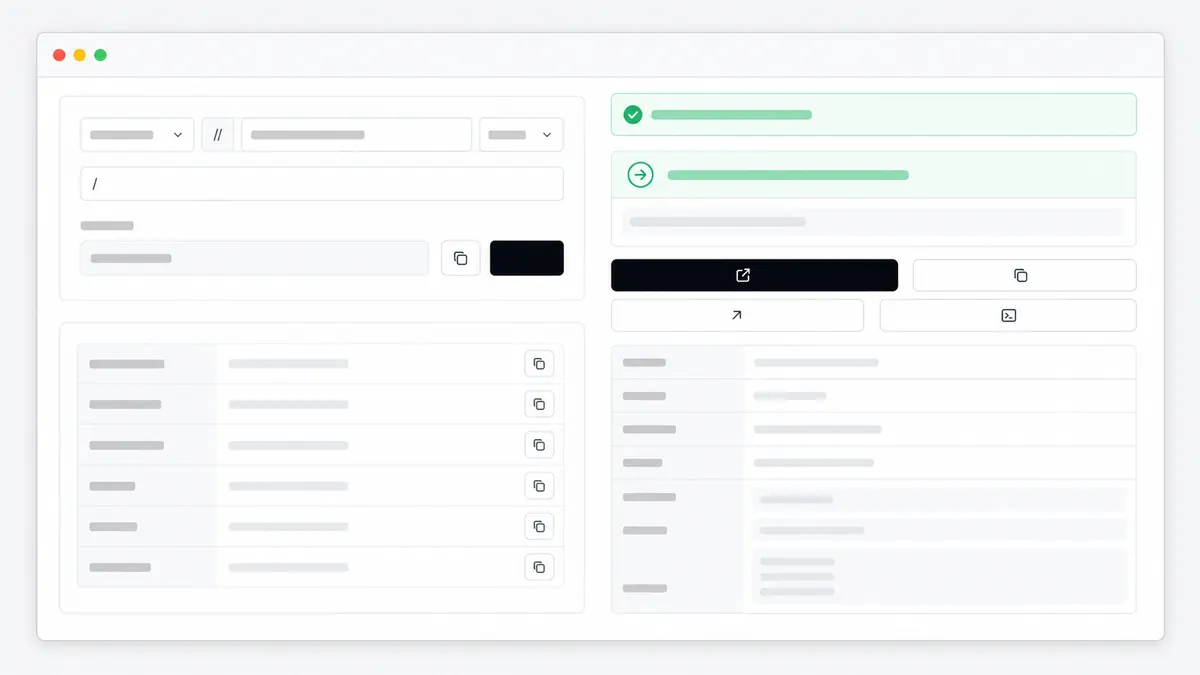
Generate a localhost port check command
Choose your operating system and port. The tool builds commands for your terminal; the browser does not scan your computer.
lsof -nP -iTCP:3000 -sTCP:LISTENlsof -nP -iTCP -sTCP:LISTENcurl -I http://localhost:3000/Nothing is executed or sent to Locallhost.im. Paste a command into your own terminal only when you understand it.
Fast checklist
- 1 Enter the localhost port printed by your application or error message.
- 2 Choose macOS, Linux, or Windows to generate the correct command syntax.
- 3 Copy the specific-port command and run it in your own terminal.
- 4 Match the PID or process name to the application you expected to be running.
- 5 Use the HTTP test only when the service is supposed to speak HTTP.
Quick diagnostic checks
lsof -nP -iTCP:3000 -sTCP:LISTENReplace 3000 with the localhost port you need to check. The output identifies the process and PID that owns the listener.
ss -tulpnUse ss to list listening TCP and UDP sockets. lsof is also useful when installed and may require sudo for full process details.
netstat -ano | findstr :3000The last column is the PID. Match it in Task Manager or run tasklist /FI "PID eq NUMBER" before ending a process.
curl -I http://localhost:3000/An HTTP status proves a web service answered. Connection refused means nothing accepted the connection; a non-HTTP service may close the request.
Live request check
What this page sees
HTTP request headers
Sensitive headers such as cookies and authorization tokens are filtered before display.
How localhost port checks fit the debugging workflow

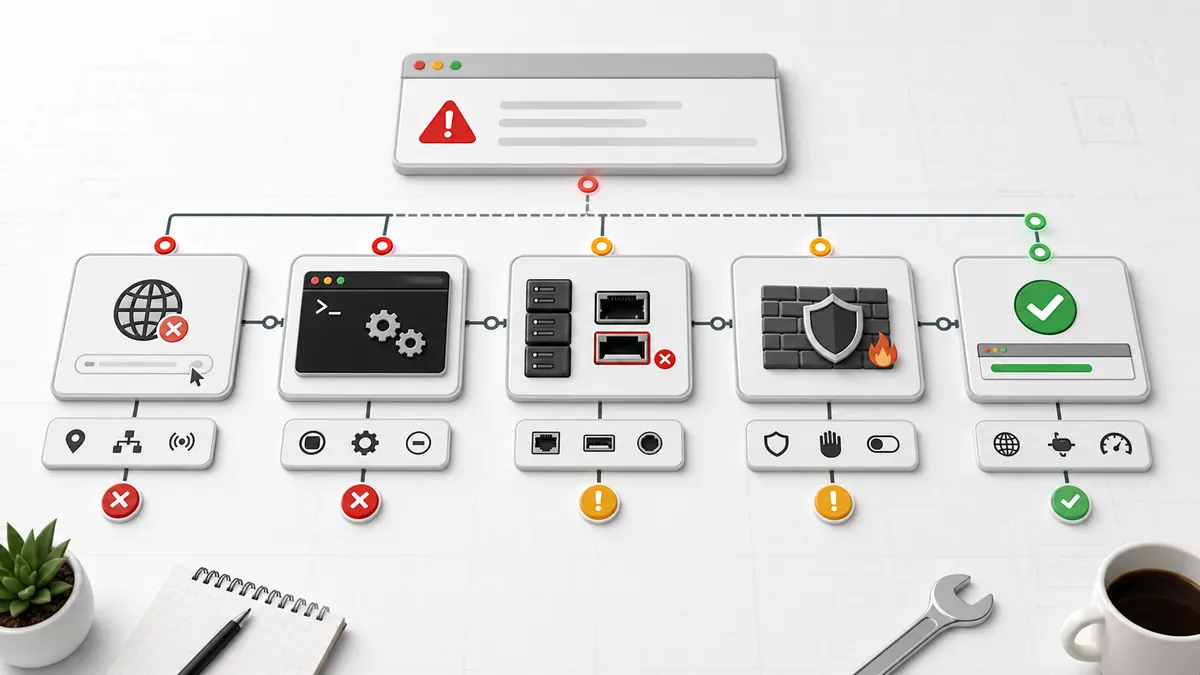
How to check a localhost port
To check a localhost port, query the operating system for a listening socket on that port. The result should show a process name or PID when an application is accepting connections.
Use the command generator above to avoid mixing Windows and Unix syntax. Run the command in your own terminal, then compare the process with the server you expected to start.
Check localhost ports on macOS
On macOS, lsof can show which process owns a localhost port. The flags -nP avoid slower hostname and service-name conversion, while -sTCP:LISTEN limits the output to TCP listeners.
If lsof returns nothing, the app may be stopped, listening on a different port, bound only to IPv6, or using UDP. Check the terminal where the app started before changing firewall settings.
- Specific port: lsof -nP -iTCP:PORT -sTCP:LISTEN
- All TCP listeners: lsof -nP -iTCP -sTCP:LISTEN
- HTTP test: curl -I http://localhost:PORT/
Check localhost ports on Windows
On Windows, netstat -ano lists connections and listeners with their process IDs. Filter by :PORT to narrow the output, then match the PID in Task Manager or with tasklist.
Do not kill a PID only because it uses the port. Confirm the process name and whether another project depends on it. Stopping a database, Docker service, or system process can interrupt other work.
- Specific port: netstat -ano | findstr :PORT
- All listeners: netstat -ano | findstr LISTENING
- Process name: tasklist /FI "PID eq NUMBER"
Check localhost ports on Linux and Ubuntu
On Linux and Ubuntu, ss -tulpn lists listening TCP and UDP sockets. Process details may require sudo, while lsof provides a familiar alternative when the package is installed.
A service can listen on 127.0.0.1, ::1, 0.0.0.0, or a specific network interface. The address explains whether the service is local-only or potentially reachable from another device.
- All listeners: ss -tulpn
- Specific TCP port: sudo lsof -nP -iTCP:PORT -sTCP:LISTEN
- Socket and process detail: sudo ss -ltnp
Connection refused, 404, and HTTP errors mean different things
Connection refused usually means no process is listening on the selected address and port. A 404 means an HTTP server answered, but the requested path does not exist.
A 500 response means the web application handled the connection and then failed internally. Use the server log for that process instead of changing the localhost port at random.
Why a browser cannot scan every localhost port
A normal web page cannot reliably enumerate local listening processes or read operating-system PIDs. Browser security and network behavior intentionally limit this kind of access.
This tool generates commands but does not execute them, upload their output, or call a third-party port scanner. You stay in control of what runs in your terminal and what details you share.
Docker, virtual machines, and other devices use different localhost scopes
Inside a container or virtual machine, localhost refers to that isolated environment. A port published on the host can have a different process and port mapping from the service inside the container.
On a phone, localhost means the phone. To reach a development server on your computer, use the computer LAN IP, bind the server to an accessible interface, and keep the same application port.
Related localhost guides
Localhost Port Lookup
Look up common localhost ports, what they are usually used for, and which command can check if a port is busy.
TroubleshootingLocalhost refused to connect
Fix localhost refused to connect by checking the server process, URL, port, protocol, firewall, and local logs.
Admin path finderlocalhost/admin
Open the correct localhost admin page for phpMyAdmin, WordPress, Django, XAMPP, or a custom app, and fix common login and 404 errors.
Container guideDocker localhost issue
Understand why localhost inside Docker can point to the container, not your host computer, and what to check next.
FAQ
How do I check my localhost port?
Run an operating-system command for the specific port. Use lsof on macOS, ss or lsof on Linux, and netstat -ano on Windows, then match the process name or PID.
How do I check what is running on localhost?
List listening sockets and their processes, then compare the port and PID with your development server. The command generator provides a list-all command for macOS, Linux, and Windows.
How do I check if localhost port 8080 is open?
Replace the generated port with 8080 and run the specific-port command. If a listener appears, test http://localhost:8080/ only when that service is expected to use HTTP.
How many ports does localhost have?
Localhost uses the normal TCP and UDP port range from 1 to 65535. Only ports with a running listener accept connections, and many low ports require elevated privileges to bind.
Can this website scan my localhost ports?
No. It generates commands for your terminal but does not scan your computer, read local PIDs, or upload command output. A browser page cannot provide the same reliable process view as the operating system.
Should I kill the process using my localhost port?
Only after confirming the process name and why it owns the port. It is often safer to stop the app normally or let the new development server choose another port.
Why does the port appear open but the browser still fails?
The listener may not speak HTTP, may expect HTTPS, may be bound to another interface, or may have no route at /. Check the service type, protocol, path, and server log.
Why is the localhost port different inside Docker?
Containers have their own network namespace. The container port can be published to a different host port, so check both the service listener inside the container and the host port mapping.
Does this tool make network calls to third-party services?
The URL builder and port lookup run in the browser, and the request inspector uses this same site endpoint. Locallhost.im uses Pageview for basic pageview analytics, but the request inspector does not call a third-party IP lookup API.
Why should I copy the debug snapshot?
The snapshot gives a concise record of the URL, request line, safe headers, user agent, and browser context. It is useful when reporting a localhost issue to a teammate or coding assistant.
Are cookies and authorization headers shown?
No. Sensitive headers such as cookies, authorization, and common API token headers are filtered before display.